Best Baby Monitor for Twins (2026)
Monitoring two babies means you need either a multi-camera system with split-screen, a wide-angle camera covering both cribs, or two separate cameras on one parent unit. Here are the best options for twin parents.
What twin parents need
- • Multi-camera support — add a second camera for the second crib
- • Split-screen or auto-scan — see both views simultaneously
- • Individual audio alerts — know which baby is crying
- • Wide-angle lens option — cover a shared nursery in one view

Premium smart baby monitor with AI-powered breathing wear, HD camera, sleep tracking, and two-way audio.
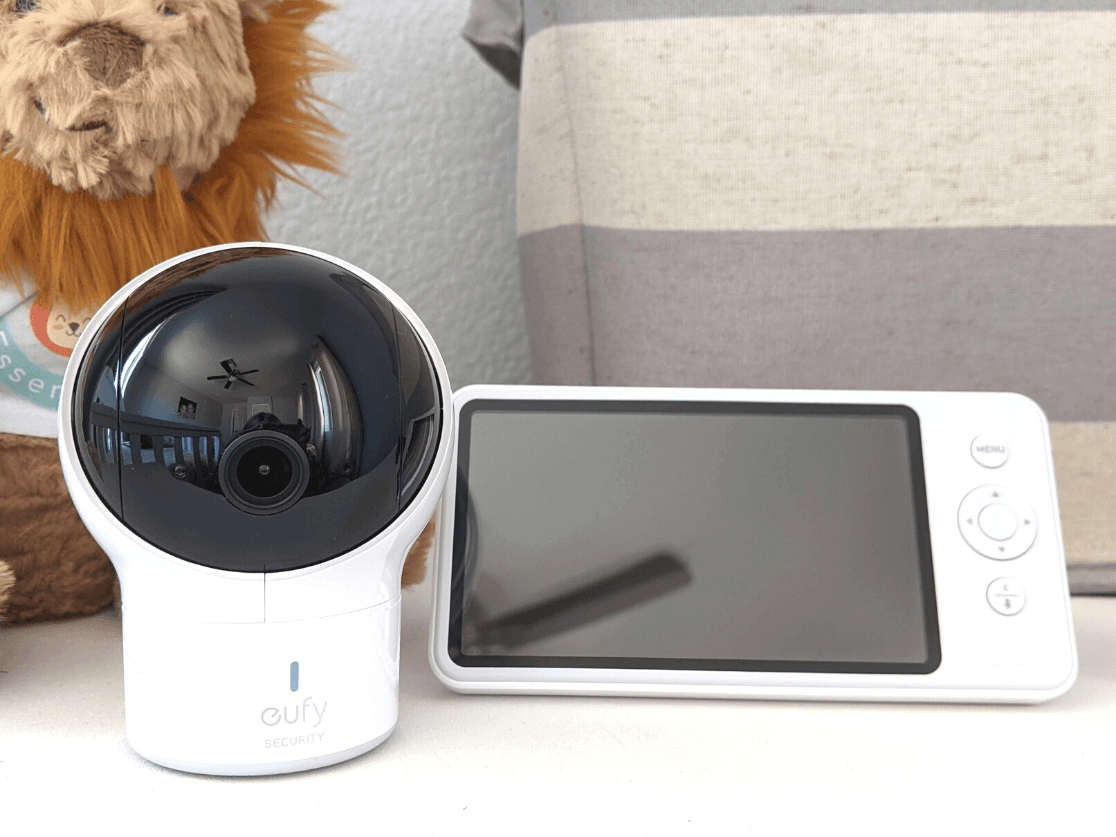
Feature-rich baby monitor with a large 5-inch display, wide-angle lens, and no WiFi required.
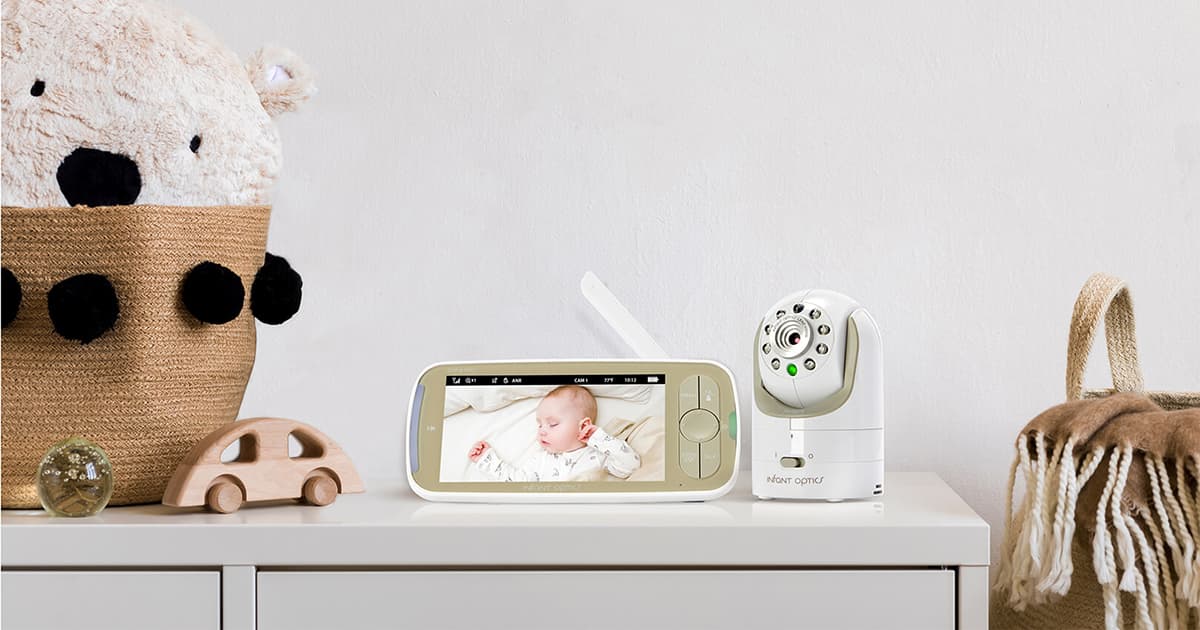
Updated classic baby monitor with 5-inch 720p display, interchangeable lens system, and FHSS signal.
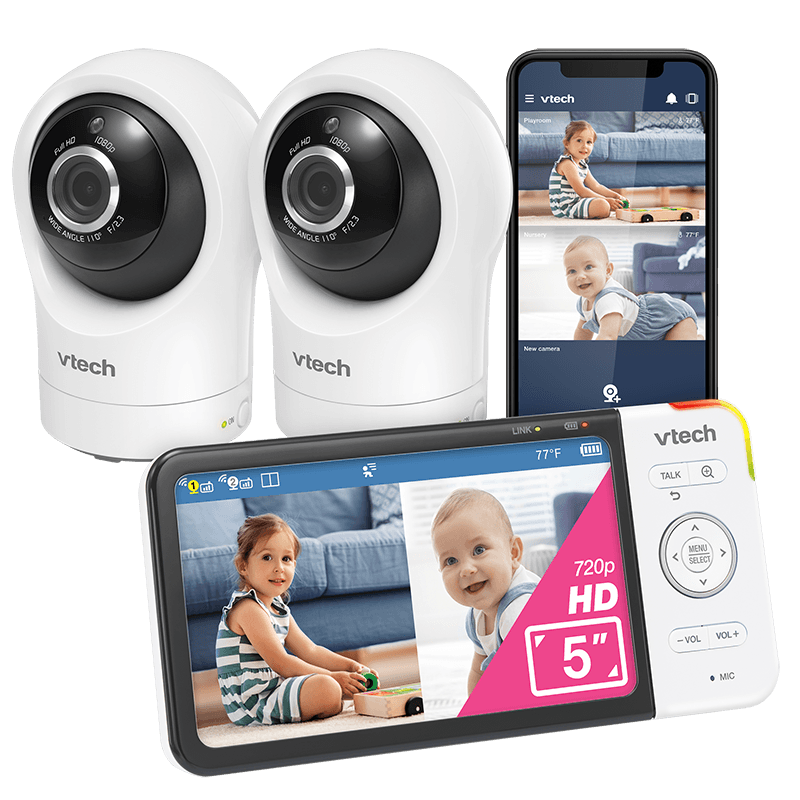
Dual-camera baby monitor with 5-inch display, 1080p cameras, and auto night vision.

Ultra-affordable baby monitor with 5-inch display, night vision, and two-way audio.
One Camera or Two?
If your twins share a room, a single wide-angle camera (like the Nanit Pro with its bird's-eye view) can cover both cribs. If they're in separate rooms, you need a system that supports multiple cameras on one parent unit. The VTech RM5764-2HD actually comes with two cameras included — making it the most cost-effective twin solution.
Head-to-Head Comparisons
Narrowed it down to two? See detailed side-by-side breakdowns.
Frequently Asked Questions
Do I need two cameras or one wide-angle camera for twins?
If your twins share a nursery, a single wide-angle or bird’s-eye camera (like the Nanit Pro) can cover both cribs in one view. If they sleep in separate rooms, you need a multi-camera system where two cameras feed into one parent unit. Models like the VTech RM5764-2HD come with two cameras included, making them the most cost-effective option for separate-room setups.
What is split-screen mode and do all baby monitors have it?
Split-screen mode displays feeds from two cameras side by side on one parent unit so you can watch both babies simultaneously. Not all monitors support it — many only offer auto-scan, which cycles between cameras every few seconds. If real-time simultaneous viewing matters to you, confirm the model explicitly supports split-screen before buying.
Are Wi-Fi baby monitors safe, or should I get a non-Wi-Fi monitor?
Both are safe when configured properly. Wi-Fi monitors (like the Nanit Pro) let you view feeds from anywhere via your phone, but they depend on your home network and are theoretically hackable if you use weak passwords. Non-Wi-Fi monitors (like the Infant Optics DXR-8 Pro) use encrypted FHSS signals with zero internet exposure, making them inherently more private. For twins, the tradeoff is convenience vs. security — most parents are fine with Wi-Fi if they use strong passwords and WPA3.
How much should I budget for a twin baby monitor setup?
A good twin setup typically costs $150–$350. Budget options like the HelloBaby HB6550 with an extra camera run under $100. Mid-range systems like the Infant Optics DXR-8 Pro with a second camera cost around $200. Premium smart monitors like the Nanit Pro start at $300 for one camera, plus $150+ for the second. Wi-Fi monitors may also have optional subscription fees ($5–10/month) for cloud storage and sleep analytics.
Can I add more cameras later if my twins move to separate rooms?
Most multi-camera baby monitors support adding cameras after your initial purchase. The Infant Optics DXR-8 Pro supports up to 4 cameras, the VTech RM5764-2HD supports up to 4, and the eufy SpaceView Pro supports up to 2 add-on cameras. Check your model’s maximum camera count before buying — some budget monitors cap at 2 total cameras.
Related Guides
More expert picks for new parents and families.